
If you are a marketing expert, this will sound familiar to you. A big part of your week goes into repetitive work that doesn’t really move the needle. Writing similar emails, resizing visuals for different platforms, scheduling posts, and pulling reports from multiple tools. It adds up fast.
That’s where things are shifting. According to Salesforce, 68% of marketing teams are already using AI in their workflows. Teams are saving around five hours per week on content tasks alone, while businesses using AI-driven marketing automation are seeing up to 3 to 5 times higher ROI on campaigns.
- 60%+ of marketing time goes to repetitive tasks
- 68% of teams now use AI
- 5 hours/week saved with AI tools
- 3-5x ROI improvement with AI-driven marketing
So the conversation has changed. It is no longer about whether to use AI. It is about using the right marketing tools in the right places.
The problem is, the AI marketing space is crowded. There are hundreds of tools out there, and many of them overlap or promise more than they deliver. Choosing the wrong ones can waste budget or create more complexity.
This guide is built to keep things simple. It is for solo marketers, small teams, and agencies that want AI tools for marketing that actually do the work. Instead of listing dozens of options, it focuses on one strong tool per category. Each one solves a real problem and helps automate meaningful parts of the marketing process.
By the end, you’ll have a clear idea of which AI marketing tools to use at each stage of your funnel, from content creation to conversion, and how to build a setup that saves time and improves results.
How We Selected the Best AI Marketing Tools
With hundreds of digital marketing tools available, most lists feel cluttered or biased. This one is not. We reviewed 200+ tools and selected only those that deliver real, measurable value.
Selection Criteria
- Automation depth: Tools had to automate complete workflows, not just assist with small tasks.
- Ease of use: Every tool is usable by non-technical marketers without complex setup.
- Integrations: Strong compatibility with CRMs, ad platforms, and existing marketing tools was essential.
- Pricing vs. value: We focused on return rather than cost. Time saved and performance gains mattered more than price alone.
- Real-world results: Only tools with proven outcomes, such as case studies or user data, were included.
Automate Your Marketing Tasks With These Tools: Comparison Table
| Tool | Marketing Use Case | Integration & Ecosystem Compatibility | ROI Impact | Free Plan | Estimated Time Savings | Starting Price |
| Jasper AI | Blogs, ads, emails | Strong (Docs, SEO tools) | High if content-heavy | No | High (hours per piece) | $49/month |
| Surfer SEO | Ranking content | Strong (content stack) | High if SEO-driven | No | Medium to High | $99/month |
| Hootsuite Insights | Posts, reports, listening | Strong (social platforms) | Medium to High | No | Medium | $99/month |
| Canva AI | Graphics, creatives | Strong | Immediate ROI | Yes | Very High (daily tasks) | Free / $15/month |
| Runway Gen-3 | Short-form videos | Limited to the creative stack | High for video-first brands | Limited | High (vs editing) | $15/month |
| HubSpot AI | Leads, workflows | Very Strong (all-in-one) | Very High long-term | Yes | Very High | Free / $20/month |
| Mailchimp AI | Campaigns, flows | Strong | Medium to High | Yes | Medium | Free / $13/month |
| Google Analytics 4 | Insights, attribution | Strong (Google ecosystem) | High (decision-making) | Yes | Medium | Free |
| Albert AI | Campaign optimization | Strong (ad platforms) | Very High at scale | No | Very High | Custom |
SEO & Content Creation
Jasper AI
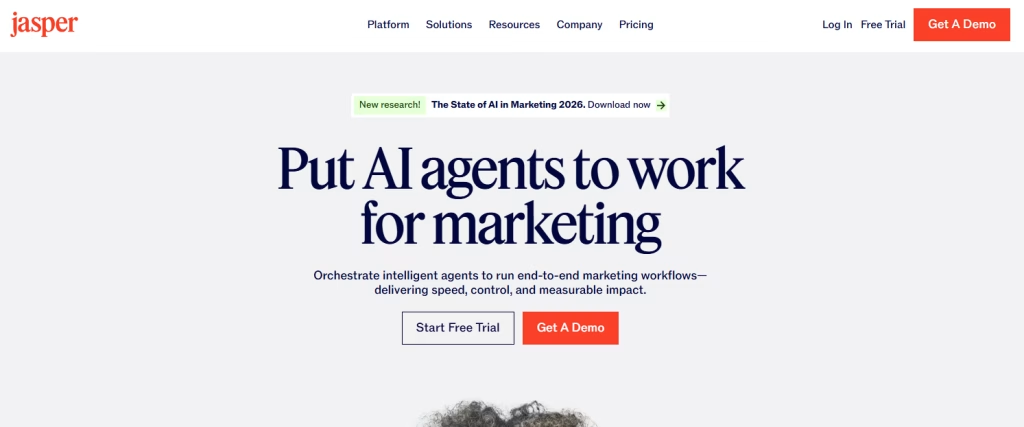
Jasper AI is an enterprise-grade AI content marketing tool built for teams that need to produce high-quality content without slowing down. Instead of starting from scratch every time, it learns your brand voice, tone, and messaging, then applies that consistently across blogs, ads, emails, and more.
It doesn’t replace your writers. It works alongside them. Your team focuses on strategy and positioning, while Jasper handles the first drafts, variations, and repetitive writing tasks that usually eat up hours. Over time, it starts to feel less like a tool and more like an extension of your content team.
It also fits neatly into existing workflows. With integrations like Google Docs, Surfer SEO, and Grammarly, there’s no need to rebuild your process just to use it. For CMOs managing lean teams and aggressive content targets, Jasper helps maintain both speed and quality without burning people out.
What it automates
- Long-form blog posts from short briefs or outlines
- Ad copy variations for Facebook, Google, and LinkedIn
- Product descriptions at scale for e-commerce stores
- Email campaigns, including subject lines and nurture sequences
- Social media captions across multiple platforms
- Content repurposing (turn one blog into multiple formats)
- SEO meta titles and descriptions in bulk
Key Features
- Brand Voice Training: Upload past content, and Jasper adapts to your tone, vocabulary, and messaging. This reduces editing time and keeps everything aligned across channels.
- Campaigns Workspace: Build an entire campaign (blog + emails + ads + social) from a single brief; all assets are generated in one connected workflow.
- Jasper Chat: A conversational interface where you can brainstorm ideas, refine messaging, or quickly rewrite sections. It’s faster than building prompts from scratch every time.
- Surfer SEO Integration: You can write and optimize content for search rankings in the same workflow. No switching tabs or tools mid-process.
- 50+ Content Templates: Pre-built frameworks such as AIDA, PAS, product pages, and press releases help you move faster without overthinking the structure.
Best for
Marketing teams producing 20+ pieces of content per month who need a consistent brand voice across every channel
Pricing
- Creator: $49/month
- Pro: $69/month
- Business: Custom pricing
There’s no real free plan. just a 7-day trial. Real value starts to show once you’re producing 4–5 blog posts or running multiple campaigns each month.
Surfer SEO
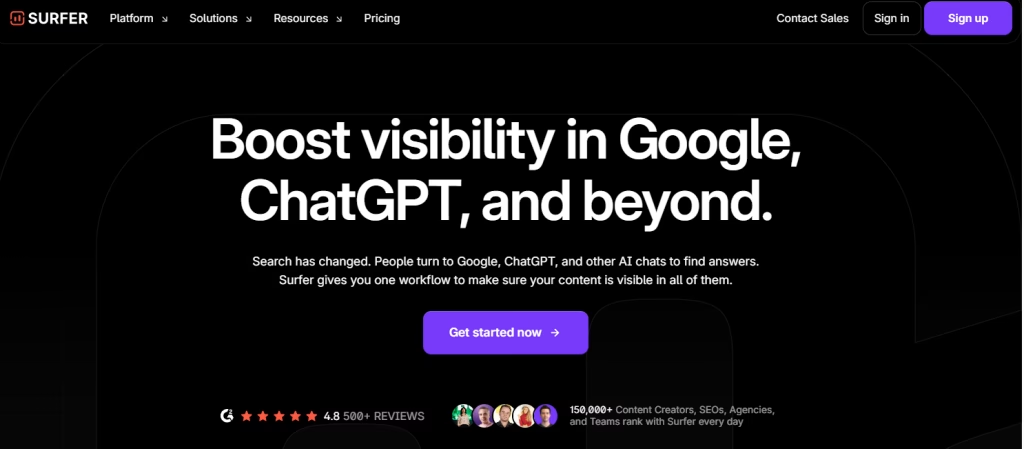
Surfer is among the best marketing tools for SEO-focused teams on Google by analyzing the top-performing pages for any keyword and telling you exactly what your content needs to compete. It scores your content in real time as you write, measuring word count, keyword density, heading structure, and semantic terms against actual SERP data.
Unlike traditional keyword tools that give you data and leave you to interpret it, Surfer gives you a clear action list and a content score you can optimize against. It also includes an AI writer that generates SEO-ready drafts directly and acts as a market research tool for content performance
For marketing teams tired of publishing content that never ranks, Surfer closes the loop between writing and performance.
What it automates
- Keyword research and clustering that groups related keywords into topics, so you’re not guessing what to write next
- Real-time content scoring that shows how your content is performing while you write, with clear suggestions on what to improve
- SERP analysis that pulls insights from the top 20 ranking pages for your keyword
- Content audits that highlight pages losing rankings and show what needs fixing
- Internal linking suggestions based on your existing content
- AI-generated outlines and drafts that give you a strong starting point aligned with your target keyword
Key features
- Content editor with live scoring: Tracks your content score from 0 to 100 as you write. You can see when your content is competitive enough, so you don’t over-edit or stop too early.
- Keyword research tool: Groups keywords into clusters, helping you plan content around topics instead of isolated keywords.
- Grow Flow: Gives you a weekly list of SEO tasks tailored to your site. These are prioritized based on what is likely to improve rankings with the least effort.
- Content audit: Reviews your site and identifies pages that are losing traffic, along with clear suggestions to improve them.
- Google Docs + Jasper integration: Lets you optimize content directly inside tools your team already uses, so your workflow stays smooth without constant switching.
Best for
Content marketers, SEO managers, and bloggers who publish regularly and want more confidence that their content will actually rank.
Pricing
- Essential: $99/month
- Scale: $219/month
- Scale AI: $289/month
There is no free plan, but a 7-day money-back guarantee is available.
Social Media Management
Hootsuite Insights AI
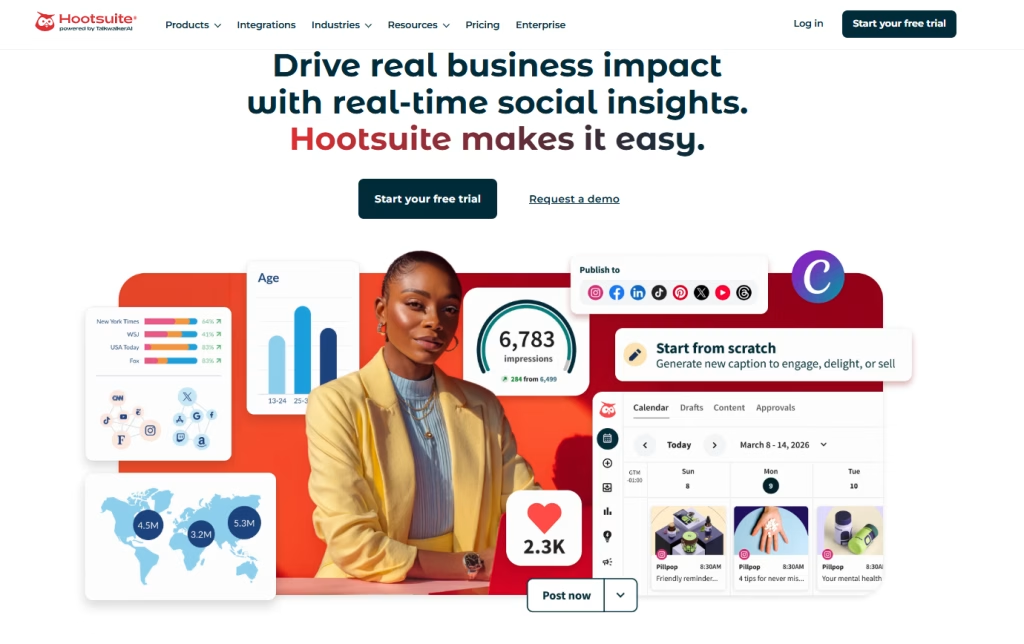
Hootsuite is a widely used social media marketing tool, and its AI-powered feature, Hootsuite Insights powered by Brandwatch, takes it beyond basic scheduling into full social media analytics and monitoring.
It tracks millions of online conversations in real time, helping you monitor brand mentions, analyze competitors, and spot trending topics early. This gives marketing teams the insights they need to adjust campaigns and stay relevant on social media platforms.
The platform also supports content creation and publishing. Its AI can generate social media captions, recommend the best posting times based on audience behavior, and automate performance reporting. This helps improve engagement while reducing manual effort.
For businesses managing multiple social media accounts, Hootsuite simplifies workflows by combining scheduling, analytics, and reporting in one place. It works as a complete AI social media marketing tool that helps teams plan, publish, and measure results more effectively.
What it automates
- Caption and post copy generation for all major social media platforms
- Optimal posting time scheduling based on audience engagement patterns
- Social listening that monitors brand mentions, hashtags, and competitor activity
- Sentiment analysis across comments and mentions at scale
- Performance reporting with automatic weekly and monthly summaries
- Content calendar planning with AI-suggested topic ideas
- Bulk scheduling across Instagram, LinkedIn, Facebook, X, TikTok, and Pinterest
Key features
- OwlyWriter AI: Generates captions and post ideas based on a keyword or URL. The output adjusts to each platform’s tone and character limits, so you do not need to rewrite content for every channel.
- Best time to post AI: Analyzes your past performance data and suggests posting times that are more likely to improve reach and engagement for your audience.
- Insights by Brandwatch: Tracks conversations across more than 100 million sources in real time. It helps you monitor brand perception, spot trends early, and understand how your competitors are performing.
- Streams: Let’s set up custom feeds to track keywords, mentions, and hashtags. This helps your team stay on top of important conversations without having to search manually.
- Automated reporting: Creates ready-to-use reports that can be customized and sent to stakeholders on a set schedule, so you do not have to pull data manually every time.
Best for
Social media managers handling 3+ accounts or brands, agencies managing client portfolios, and teams that need social listening alongside scheduling
Pricing
- Professional: $99/month
- Team: $249/month
- Enterprise: Custom pricing
A 30-day free trial is available. Insights, which includes social listening, is offered as an add-on on higher-tier plans.
Graphic & Video Generation
Canva
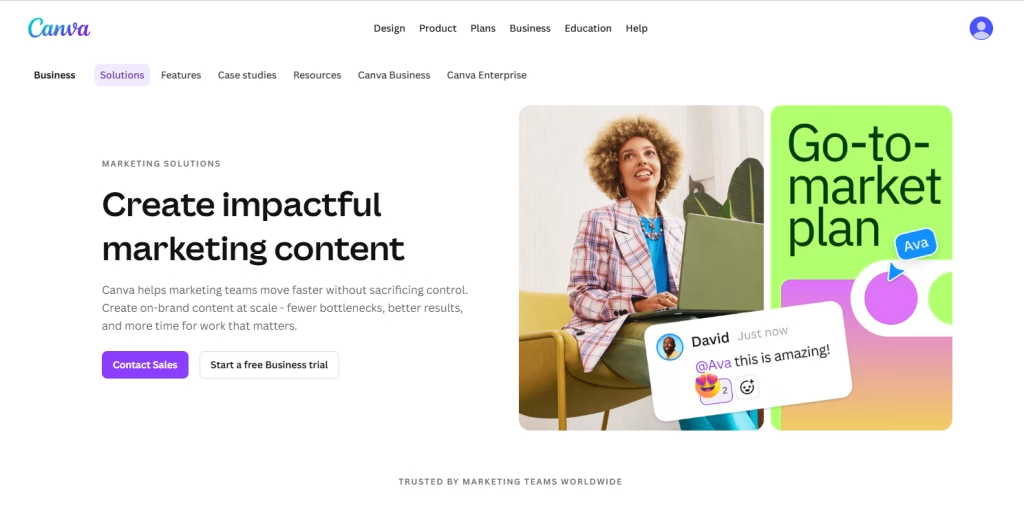
Canva is an AI design tool for marketing that has made design simple for non-designers, and its AI features, including Magic Design, Magic Write, and Magic Media, push that even further. It serves as a complete AI marketing design tool that helps teams quickly create visuals, content, and branded assets without advanced design skills.
You can go from a blank canvas to a polished, on-brand graphic in minutes. Canva AI can generate images from text prompts, write copy inside your designs, resize visuals for different platforms, and suggest layouts based on your content. This makes it easier to create consistent marketing materials without relying heavily on designers.
For teams with limited design resources or tight budgets, Canva AI makes it easy to produce professional-looking AI designs. It handles most everyday design needs, especially for social media, ads, presentations, and marketing campaigns, making it a strong choice among free marketing tools for small businesses.
What it automates
- Image generation from text prompts for ads, social media posts, and blog visuals
- Auto-resizing designs for platforms like Instagram, LinkedIn, and YouTube in one click
- Background removal from product images and headshots
- Brand kit application that applies your colors, fonts, and logo automatically
- Presentation creation from a simple text prompt or document
- Video creation with AI-generated clips, transitions, and captions
- Copywriting for headlines, taglines, and calls to action within designs
Key features
- Magic Design: Generates complete design templates from a text prompt or uploaded image. It gives you multiple layout options that match your brand style.
- Magic Media: Creates AI-generated images and short video clips based on text descriptions, so you do not need to rely on stock libraries.
- Magic Resize: Create a single design into multiple platform sizes at once, saving time when creating campaigns across different channels.
- Brand Hub: Stores your brand assets, fonts, and color palette in one place. This helps your team keep designs consistent without manual adjustments.
- Magic Write: Built-in AI copywriting tool that generates headlines, body text, and calls to action directly inside the design editor.
Best for
Small marketing teams, solo marketers, and startups that need clean, professional visuals on a regular basis but do not have a dedicated designer available.
Pricing
- Free plan: Available with limited AI features
- Pro: $15/month per person
- Teams: $10/month per person with a minimum of 3 users
Runway Gen-3
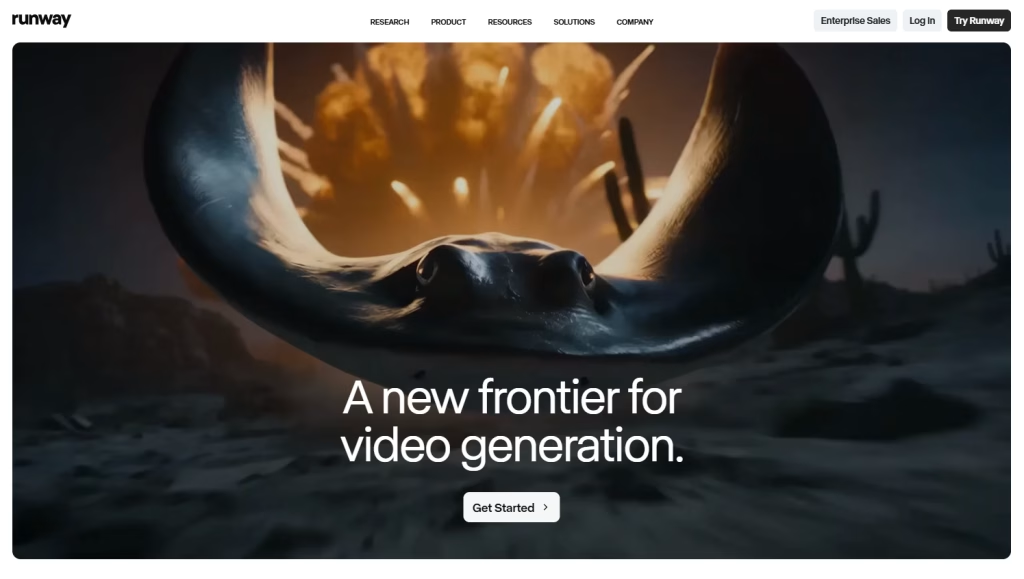
Runway Gen-3 Alpha is one of the most advanced AI video generation tools available right now, especially for marketing teams that want high-quality video without going through a full production process. Instead of dealing with cameras, editors, and long timelines, you can generate short video clips using just a text prompt or a still image.
It changes how video content gets made. Marketers are using it for product demos, social media reels, ad creatives, and brand storytelling. What stands out is the quality of the output. It has reached a point where the videos can actually be used in real campaigns, not just experiments.
For teams that have always wanted to produce more video but have been held back by cost or resources, this opens the door. It is an advanced AI based marketing tools for visual content.
What it automates
- Text-to-video generation that turns written prompts into video clips
- Image-to-video that animates product photos or static visuals
- Video background removal and replacement without needing a green screen
- Automatic video editing with AI-driven cuts, pacing, and transitions
- Motion brush that adds movement to specific parts of an image
- AI voice-over and audio generation to match your video content
Key features
- Gen-3 Alpha text-to-video: Creates short, high-quality video clips from text prompts. The results are detailed enough to be used in ads and social content.
- Image-to-video: Lets you upload a product image and turn it into a moving visual. This is useful for making static product shots feel more engaging.
- Motion brush: Gives control over what moves inside an image. You can animate only certain elements while keeping the rest unchanged.
- Video-to-video: Applies a new style or visual look to existing footage. It helps upgrade basic clips into a more polished version.
- Runway Act One: Transfers facial expressions and movement from a simple recording onto AI-generated characters, which can be useful for storytelling or branded content.
Best for
Performance marketers running video ads, social media teams that need a steady flow of short-form content, and brands that do not have the budget for full video production.
Pricing
- Free: 125 credits per month with limited usage
- Standard: $15/month
- Pro: $35/month
- Unlimited: $95/month
Email Marketing & CRM
HubSpot
HubSpot is one of the most complete marketing automation tools available. It combines CRM, email marketing, content creation, social media, SEO, and analytics into one connected platform, which already makes things easier to manage.
What makes it more powerful is its AI layer, Breeze AI. It runs quietly in the background, helping with lead scoring, writing emails, suggesting next steps, and pulling insights from your data, with minimal setup. Instead of switching between tools and trying to connect the dots yourself, you get a clearer view of how your marketing and sales efforts are actually performing.
It feels less like a single tool and more like the system everything else plugs into. For growing teams tired of juggling separate platforms, HubSpot is one of the most effective ai marketing automation software platforms for operations.
What it automates
- Lead scoring that ranks contacts based on how likely they are to convert
- Email sequences that trigger personalized follow-ups based on user behavior
- Content generation for emails, landing pages, CTAs, and social posts
- Deal forecasting that estimates revenue based on pipeline data
- Chatbots and live chat that qualify leads around the clock
- Reporting that generates campaign and attribution insights automatically
- SEO suggestions that guide on-page improvements inside the CMS
Key features
- Breeze AI (Copilot): Works as an assistant across the platform. It helps write content, summarize contact activity, suggest next steps, and answer questions based on your data.
- Predictive lead scoring: Sorts your contacts by conversion likelihood so sales teams can focus on the most promising leads first.
- Smart content: Adjusts website pages, emails, and CTAs depending on who is viewing them. Different users see different content without manual changes.
- Workflows: Lets you build automation sequences for emails, internal alerts, and handoffs between teams. Everything runs visually without needing code.
- Marketing Hub analytics: Shows which channels and campaigns are actually driving revenue, not just traffic, using multi-touch attribution.
Best for
B2B companies with a structured sales funnel, SaaS businesses managing longer sales cycles, and teams that need a shared CRM and marketing system to stay aligned.
Pricing
- Free CRM: Available with strong core features
- Starter: $20/month
- Professional: $890/month
- Enterprise: $3,600/month
Mailchimp Intuit Assist
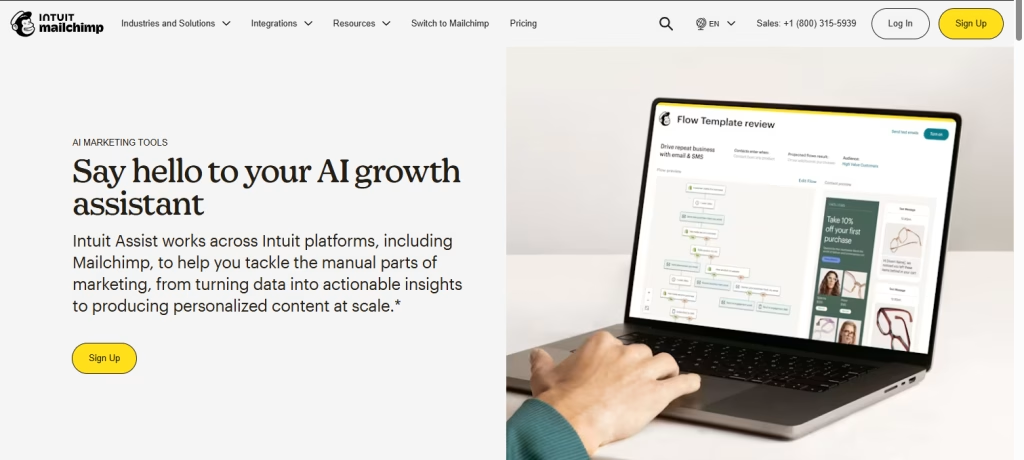
Mailchimp has evolved into a full marketing platform and remains one of the most recognized AI email marketing tool options, available in both free and paid versions. Its AI feature, Intuit Assist, makes it much more useful for small and mid-size teams. It works inside the same interface most users already know, so there is no steep learning curve.
It helps with everyday email marketing tasks like writing subject lines, drafting email content, choosing the best send times, and suggesting audience segments based on past campaign data. Instead of manually testing and guessing, you get practical suggestions that improve performance over time.
For businesses that do not need the complexity of tools like Klaviyo or HubSpot, Mailchimp offers a simpler way to automate email marketing while still getting meaningful results. It is a strong fit for teams that want reliable automation without adding more tools or hiring specialists.
What it automates
- Subject line generation with A/B testing suggestions
- Send-time optimization based on subscriber engagement history
- Email copy drafting from a campaign goal or topic
- Audience segmentation based on behavior and purchase data
- Campaign performance summaries written in plain language
- Product recommendations inside emails based on user activity
- Re-engagement campaigns triggered for inactive subscribers
Key features
- Intuit Assist content generator: Write email content, subject lines, and preview text from a short brief to help you move from idea to campaign faster.
- Predicted demographics: Estimates audience traits like age and gender, which helps with targeting, even with limited data.
- Send-time optimization: Delivers emails at the time each subscriber is most likely to open, improving engagement without manual testing.
- Customer journey builder: Lets you create automated email sequences based on user actions, purchases, or lifecycle stages.
- Smart recommendations: Suggests products inside emails based on individual browsing and purchase behavior, making campaigns feel more relevant.
Best for
Small businesses and early-stage startups with under 50,000 contacts that want AI-powered email marketing without added complexity or high costs.
Pricing
- Free: Up to 500 contacts
- Essentials: From $13/month
- Standard: From $20/month
- Premium: From $350/month
Paid Ads & Analytics
Google Analytics 4 AI
Google Analytics 4 has moved far beyond basic traffic tracking. It now works as amarketing intelligence tool that helps teams understand not just what happened on their site, but what is likely to happen next.
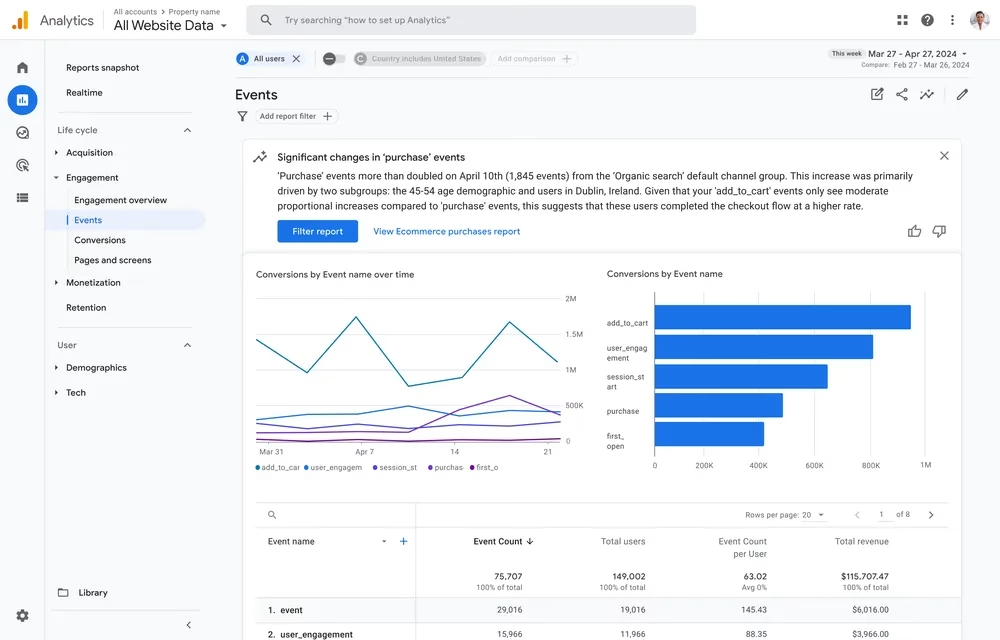
Its AI features quietly analyze your data in the background. It flags unusual changes, predicts which users are likely to convert or drop off, and builds audience segments based on behavior. These insights can be used directly in Google Ads, which makes the data immediately actionable.
One of the more practical features is natural-language search. You can ask simple questions like which channel brought in the most revenue last month, and it gives you a clear answer without needing technical skills or complex reports.
For teams that collect a lot of data but struggle to turn it into decisions, GA4 is a free market research tools for you. It connects raw numbers to actions you can actually take.
What it automates
- Anomaly detection that alerts you when traffic, conversions, or revenue change unexpectedly
- Predictive audiences that identify users likely to purchase or churn soon
- Automated insights that highlight trends and patterns you might miss
- Funnel tracking that shows where users drop off in your conversion path
- Cross-channel attribution that assigns value across multiple touchpoints
- Audience export to Google Ads for targeted campaigns
- Custom reports using simple natural language queries
Key features
- Predictive metrics: Shows purchase probability, churn likelihood, and predicted revenue for users, helping you target the right audience before they take action.
- Insights + Anomaly Detection: Highlights unusual patterns in your data, such as sudden traffic spikes or drops in conversions, without manual analysis.
- Exploration reports: Let you build custom reports using a drag-and-drop interface for funnels, user paths, and cohorts.
- BigQuery integration: Exports raw data to BigQuery for deeper analysis and advanced modeling.
- Google Ads audience sync: Pushes predictive audience segments directly into ad campaigns, making it easier to target higher-intent users.
Best for
Any business running a website, from small startups to large companies. It is especially useful for teams already using Google Ads, where audience syncing can quickly improve campaign performance.
Pricing
- Free: Includes all standard features, AI insights, and predictive audiences.
- GA4 360: Starts at $50,000 per year
Albert AI
Albert AI is an advanced AI marketing automation tool built for paid media. Unlike traditional ad management platforms, it not only supports your campaigns; it also runs them. You provide your creative assets and budget, and Albert executes, tests, and optimizes campaigns across Google, Facebook, Instagram, YouTube, and programmatic channels.
It continuously analyzes performance data and makes real-time adjustments. This includes bid optimization, budget allocation, pausing underperforming ads, and scaling high-performing campaigns. These constant updates help improve efficiency and maximize return on ad spend.
For marketing teams managing large advertising budgets, Albert reduces the need for manual optimization. It handles execution while your team focuses on strategy, creative direction, and growth planning. This makes it a powerful solution for performance marketing at scale.
What it automates
- Cross-channel paid media campaign execution across Google, Meta, YouTube, and programmatic platforms.
- Real-time bid optimization based on performance data
- Dynamic budget allocation toward top-performing channels and audiences
- Audience targeting and discovery to find new high-converting segments
- Creative testing with automated A/B testing and scaling of winning ads
- Ad frequency management to reduce audience fatigue
- Performance reporting with clear insights and optimization recommendations
Key features
- Autonomous campaign management: Runs paid media campaigns end-to-end without constant manual input, making it a true automation tool for performance marketing.
- Cross-channel optimization: Manages and distributes budget across multiple platforms based on real-time results, helping improve campaign efficiency.
- Audience discovery engine: Identifies new audience segments using performance data, thereby expanding reach and improving conversions.
- Creative performance AI: Analyzes ad creatives to understand what drives engagement and conversions, supporting better creative decisions.
- Human and AI collaboration: Allows marketers to set goals, budgets, and boundaries while the platform handles execution with full visibility into decisions.
Best for
Mid-market and enterprise businesses spending $50,000 or more per month on paid advertising and looking to improve ROAS through automation.
Pricing
Custom pricing based on platform fees and a percentage of ad spend.
Map Your AI Marketing Tools to the Funnel
A strong stack includes multiple marketing tools for small businesses working together across stages.
Attract (Traffic & Awareness)
- Surfer SEO for SEO content optimization and keyword targeting
- Canva AI for social media graphics and ad creatives
- Runway Gen-3 Alpha for short-form video content and ads
Engage (Content & Interaction)
- Jasper AI for blog posts, ad copy, and content creation
- Hootsuite Insights for social media scheduling and audience engagement
Convert (Leads & Sales)
- HubSpot for CRM, lead nurturing, and marketing automation
- Mailchimp for email campaigns and customer journeys
Retain (Analytics & Optimization)
- Google Analytics 4 for tracking performance and user behavior
- Albert AI for paid media optimization and ROAS improvement
Conclusion
AI-driven marketing tools are no longer optional. They are quickly becoming the baseline for teams looking to move faster and achieve better results without adding more people. The advantage comes from using the right tools in the right places, not from using everything at once.
If you’re starting today, begin with Canva AI. It’s simple to use, and one of the most practical ai tools for digital marketing for everyday use.
From there, build your stack step by step. Focus on what saves you the most time first, then expand as your needs grow.
If you found this useful, share it with your team or network. And if you’re already using AI tools in your workflow, drop a comment with what’s working.