
Because here is the part vendors do not put on the pricing page: on the dominant billing model, the better your chatbot performs, the more you pay. Push your resolution rate from 30 percent to 70 percent and your AI invoice roughly doubles even though your ticket volume never moved. Most “best AI chatbot” roundups skip that entirely and give you a feature checklist instead.
This guide does the opposite. Below are the 10 best AI chatbots for customer support in 2026, each with its actual published price, its real billing unit, the volume band where it makes financial sense, and the trap that costs teams money. Every tool listed here has been reviewed against its own live pricing documentation as of July 2026 by the Vhiz AI research team, which tracks more than a thousand AI products across our directory.
1. What Is an AI Chatbot for Customer Support in 2026?
An AI chatbot for customer support is software that reads a customer message in natural language, decides what the customer actually wants, and either answers it from your knowledge base, performs an action in a connected system, or hands the conversation to a human with context attached. The important word is “decides”. That is what separates a 2026 AI agent from the decision-tree bots of 2019.
Three generations of the same product category are still being sold side by side, and confusing them is the most common buying error we see.
| Generation | How it works | What it can and cannot do |
| Rule-based bot | Keyword matching and if-then flows built in a visual editor | Cheap and predictable. Breaks the moment a customer phrases something unexpectedly. |
| Retrieval AI chatbot | Large language model answers from your help centre content (RAG) | Handles phrasing variation well. Cannot change an order or issue a refund. |
| Agentic AI chatbot | LLM plus tool calling into your CRM, order system and billing | Can look up an order, process a return, update a subscription. Needs real integration work. |
In 2026 the market has settled on the third category as the default expectation. When a vendor says “AI agent” rather than “chatbot”, they usually mean the system can take actions, not just talk. If you are buying to reduce headcount pressure on repetitive tickets like order status, password resets and refund requests, only the agentic tier will move your numbers.
Important distinction: A “conversation” is not a “resolution”, and a “session” is neither. Vendors bill on all three, and the definitions differ enough that two platforms with identical sticker prices can produce invoices that differ by 3x. Section 6 breaks this down properly.
If you want to understand the underlying models these chatbots run on, our comparison of ChatGPT vs Claude vs Gemini covers the reasoning, context window and language differences that ultimately determine how well any support agent handles a messy customer question.
2. Why Choosing the Wrong AI Chatbot Platform Is Expensive
The sticker price on an AI chatbot is almost never the number you pay. There are four cost layers, and vendors are inconsistent about which ones they show you upfront.
- Seat cost. Most helpdesk-native chatbots still require paid agent seats, from about $19 to $150 per agent per month.
- AI usage cost. Billed per resolution, per session, per conversation or per credit, from about $0.10 to $2.00 per unit.
- Add-on cost. Agent copilot, quality assurance and workforce management modules commonly add $25 to $50 per agent per month each.
- Implementation cost. Content cleanup, workflow rebuild and integration typically takes 60 to 120 days on an enterprise helpdesk. HubSpot charges a mandatory onboarding fee of $1,500 on Professional and $3,500 on Enterprise.
Stack those together and a 20-agent team on a major suite can clear $80,000 a year before anyone measures whether custome
Trap one: success inflation
On per-resolution pricing you pay for outcomes. That sounds fair, and it is, right up until your automation improves. A team handling 5,000 monthly conversations at a 30 percent resolution rate pays for 1,500 resolutions. Improve the knowledge base, hit 70 percent, and you now pay for 3,500. Your unit economics improved, but your AI line item more than doubled. Budget for the resolution rate you are aiming at, not the one you have today.
Trap two: uncapped overage
Zendesk changed its billing behaviour in January 2026 so that resolution overages above committed volume bill automatically rather than sitting capped until manually enabled. A traffic spike, a product outage or a viral moment can now translate directly into an uncapped invoice. Ask every vendor in writing whether overages are capped, throttled or auto-billed.
Pro tip: Before signing anything, ask the vendor for the exact contractual definition of a billable unit and one sample invoice from a comparable customer. If they cannot produce either, treat the published price as a floor, not an estimate.
3. How We Ranked the Best AI Chatbots for Customer Support
Rankings on this site are not sponsored placements. Every AI chatbot platform below was scored against six criteria, each verified against the vendor’s own live pricing and documentation in July 2026.
| Criterion | Weight | What we checked |
| Resolution quality | 25% | Published and independently reported resolution rates, plus how the vendor defines resolution |
| Pricing transparency | 20% | Whether total cost can be modelled from public information without a sales call |
| Action capability | 20% | Whether the agent can execute real tasks in connected systems, not just answer questions |
| Language coverage | 15% | Number of languages and whether tone and terminology hold up outside English |
| Deployment effort | 10% | Realistic time to first useful deployment for a non-technical team |
| Escalation quality | 10% | Whether handoff to a human carries full context and sentiment |
This is the same scoring framework the Vhiz AI team applies across the AI chatbot tools category, where each listing is re-checked against live vendor pricing on a rolling quarterly cycle.
4. The 10 Best AI Chatbots for Customer Support in 2026
Ranked for general-purpose customer support teams. The right pick changes sharply by volume and stack, so read section 10 before you commit.
1. Intercom Fin – Best overall AI chatbot for customer support
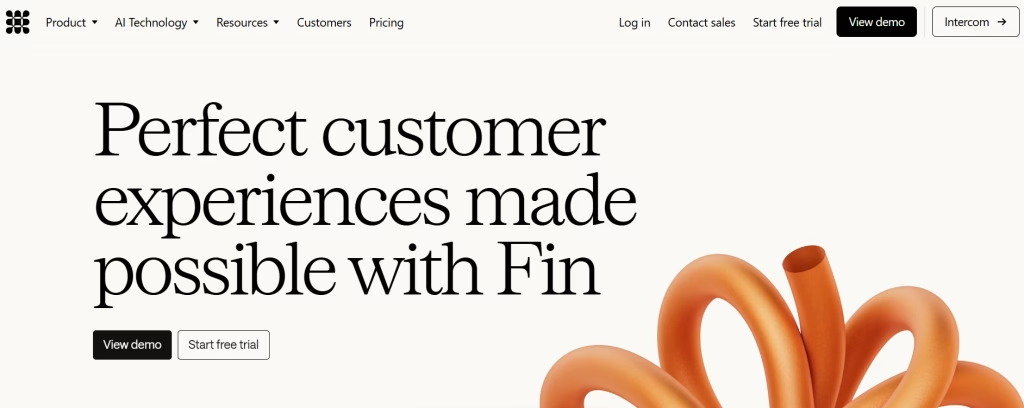
Pricing: $0.99 per outcome, with a 50-outcome monthly minimum. Standalone deployment on a non-Intercom helpdesk carries a $49 per month base that includes 50 resolutions. Inside Intercom you also pay seats: Essential from $29, Advanced $85, Expert $132 per seat per month on annual billing. See live Fin pricing.
Fin is the product that made outcome-based pricing a category standard, and it remains the most complete package for a mainstream support team. It resolves across chat, email and voice, it deploys standalone on top of Zendesk, Salesforce, HubSpot or a custom helpdesk, and a non-technical CX team can get a first version live in under an hour.
Intercom bills one outcome per conversation regardless of how many actions Fin takes, and a resolution charge is reversed if the customer reopens the conversation needing more help. Qualification outcomes are priced separately at $9.99, which matters if you are pointing Fin at lead capture as well as support.
The two things to know before you buy: reviewers consistently flag the layered seat-plus-resolution-plus-add-on structure as expensive at scale, and in June 2026 Salesforce signed a definitive agreement to acquire Fin, the company formerly known as Intercom, for roughly $3.6 billion. Pricing has not changed as a result, but packaging after a deal of that size rarely stays still, so be cautious about multi-year commitments.
- Best for: mid-market SaaS and ecommerce teams handling 500 to 5,000 monthly AI conversations
- Weakness: cost rises directly with automation success, with no published volume discount
2. Zendesk AI Agents – Best for teams already standardised on Zendesk
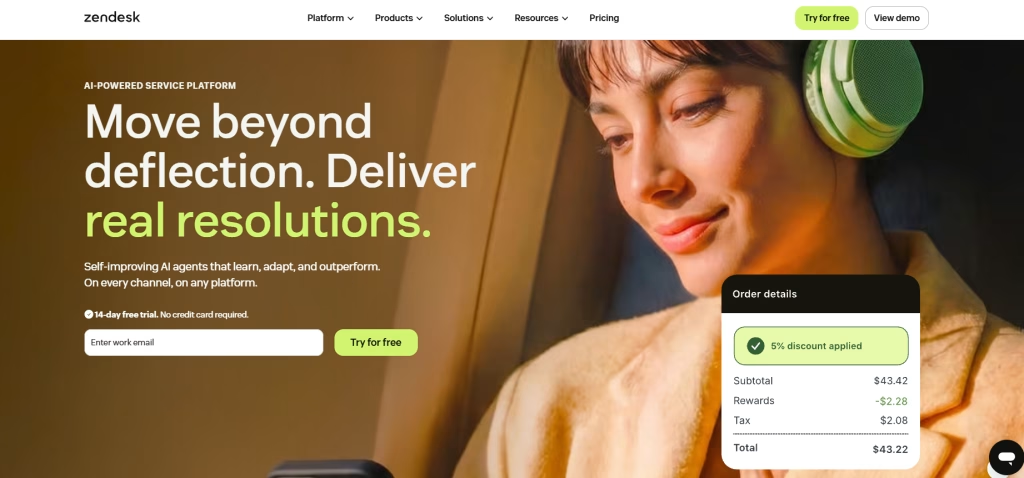
Pricing: roughly $1.50 per automated resolution with committed volume, or about $2.00 pay-as-you-go, on top of Suite seats. The Advanced AI add-on runs about $50 per agent per month. Zendesk pricing.
Zendesk sells its chatbot in two tiers. AI agents Essential ships with Suite plans and gives you autoreplies, article suggestions and generative answers from existing content. AI agents Advanced is the real automation layer and is metered per resolution. Each plan includes a small free allocation, roughly 5 automated resolutions per agent per month on Team, 10 on Professional and 15 on Enterprise, which is a rounding error for any team with real volume.
The strength is gravity. If your macros, SLAs, routing rules and reporting already live in Zendesk, layering AI on top removes a migration risk that is genuinely worth paying for. The weakness is that it is the most expensive per-unit option on this list, and the January 2026 shift to automatic overage billing removes a safety rail that used to protect budgets.
- Best for: existing Zendesk Suite customers with predictable, committed volume
- Weakness: highest per-resolution rate here, plus a mandatory add-on to unlock real agentic behaviour
3. Tidio Lyro – Best AI chatbot for small ecommerce stores
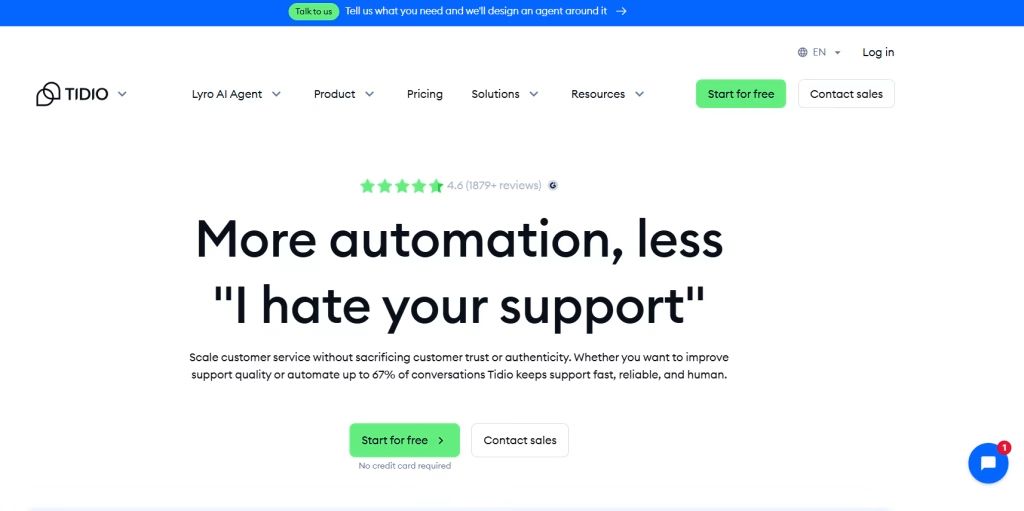
Pricing: base plans from $29 per month (Starter) through Growth from $59 and Plus from $749. Lyro AI is a separate add-on, roughly $39 per month for 50 conversations up to about $289 per month for 500. Tidio pricing.
Lyro is the easiest genuine AI agent to switch on if you run a small store. It reads your product and policy content, answers WISMO and returns questions, and drops into Shopify or WooCommerce with almost no engineering. Tidio publishes named customer results, including an RV training academy at 94 percent resolution and a UK auto services business at 89 percent, though the company also cites 67 percent as its general figure and most stores land in the 40 to 60 percent range.
The catch is meter sprawl. Tidio runs separate pools for Lyro conversations, Flows and base plan seats, so an advertised $29 plan realistically becomes $200 to $300 per month once AI is doing meaningful work. Lyro Connect, which embeds Lyro inside Zendesk, Intercom or Salesforce, is gated to higher tiers and billed from about $0.50 per conversation on top.
- Best for: Shopify and WooCommerce stores under roughly 800 AI conversations per month
- Weakness: three overlapping billing meters make forecasting genuinely difficult
4. Freshworks Freddy AI Agent – Cheapest per unit at high volume
Pricing: Freshdesk ticketing from about $19 per agent per month (Growth) to $89 (Enterprise) on annual billing. Freddy AI Copilot adds about $29 per agent per month. Freddy AI Agent sessions are bundled (500 included on Pro and Enterprise), with extra packs at $49 per 100 sessions. Freshdesk pricing.
Freddy is the value play. Because Freshworks bills per session rather than per resolution, the effective unit cost is dramatically lower than per-resolution competitors once you are past roughly 2,000 monthly interactions. For a high-volume, low-complexity support operation, that structural difference is worth more than any feature on a comparison chart.
The qualification matters though. Freshworks counts a session as any unique user who engages with the bot, resolved or not. On a per-resolution platform a failed conversation is free; here it is billable. If your resolution rate is weak, per-session pricing quietly punishes you rather than rewarding you.
- Best for: teams above 2,000 monthly AI interactions with a mature knowledge base
- Weakness: you pay for sessions the bot fails to resolve
5. Gorgias AI Agent – Best for Shopify-native ecommerce support
Pricing: helpdesk plans from $10 (Starter) through Basic $60, Pro $360 and Advanced $900 per month. The AI Agent is about $0.90 per interaction on annual billing or $1.00 monthly, and manual tickets themselves cost roughly $0.36 to $0.40 each. Email and SMS channels add $25 per month each on Basic and Pro. Gorgias pricing.
Gorgias understands ecommerce in a way that generalist platforms do not. Order lookups, refund flows, subscription changes and returns are first-class objects rather than custom integrations, and the AI Agent inherits that context. For a store where most tickets are transactional, resolution quality out of the box is excellent.
The structural quirk is double billing. Because Gorgias meters both manual tickets and AI interactions, a conversation the bot attempts and then escalates can generate two charges. Model that carefully against your escalation rate.
- Best for: Shopify stores where order actions dominate ticket volume
- Weakness: ticket metering plus AI metering compounds on escalated conversations
6. HubSpot Breeze Customer Agent – Best if your CRM is already HubSpot
Pricing: Service Hub from $15 per seat per month (Starter) to $150 (Enterprise); Breeze requires Professional (about $90 to $100 per seat) or Enterprise. AI credits cost about $0.01 each with monthly allowances of 500 to 5,000 by plan. Mandatory onboarding is $1,500 on Professional and $3,500 on Enterprise. HubSpot Service pricing.
The argument for Breeze is not the chatbot, it is the record. Every conversation lands against a contact, a deal and a lifecycle stage automatically, which makes support data usable by marketing and sales without a single integration. For revenue teams that already run HubSpot, that alone justifies it.
Quality is the trade. User feedback surfaced in 2026 has described Breeze outputs as sometimes generic or inaccurate and lacking customisation compared to purpose-built agents. It is convenient rather than best-in-class, and the 10-seat minimum on Enterprise plus onboarding fees puts a real floor under the entry price.
- Best for: HubSpot-native revenue teams that value unified CRM data over raw resolution quality
- Weakness: mandatory onboarding fees and less customisable answers
7. Chatbase – Best AI chatbot for websites without a helpdesk
Pricing: credit-based tiered plans, with extra credits at roughly $40 per 1,000. Branding removal is a paid add-on at roughly $1,188 per year. Chatbase pricing.
Chatbase solves a specific problem elegantly: you have a website, documentation and PDFs, no helpdesk, and you want an AI chatbot for your website live this afternoon. You upload sources, it builds a retrieval agent, you paste an embed script. For founders, agencies and small SaaS products, time to value is measured in minutes.
Understand what you are buying. Credit-based billing means multiple AI replies inside a single conversation each consume budget, so a chatty customer costs more than a decisive one. And a retrieval agent answers questions well but does not natively execute refunds or order changes without custom function calling.
- Best for: founders, agencies and documentation-heavy products that need a fast custom AI chatbot for a website
- Weakness: credit consumption is hard to predict, and white labelling is a separate annual cost
8. Ada – Best enterprise AI chatbot for global brands
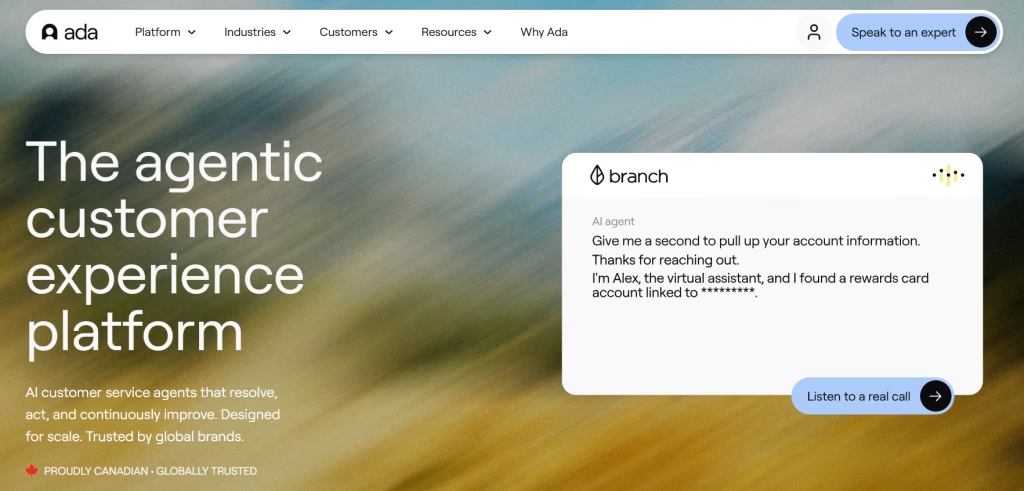
Pricing: custom conversation-volume tiers, typically $30,000 to $60,000 or more per year. Ada.
Ada is built for brands running support at national scale across dozens of markets. Language coverage, brand voice control, compliance posture and reporting depth are all a tier above the self-serve options, and enterprise buyers get the governance controls that procurement teams insist on.
Two caveats. Ada bills per conversation rather than per resolution, which means you pay for interactions that fail and escalate. At a 60 percent resolution rate that structure wastes 40 percent of your AI spend on conversations a human still had to finish. And pricing is quote-only, so budgeting requires a sales cycle.
- Best for: enterprise brands above roughly 50,000 annual conversations across many languages
- Weakness: conversation-based billing charges for failures, and there is no public price
9. Sierra – Best for complex, high-stakes agentic workflows
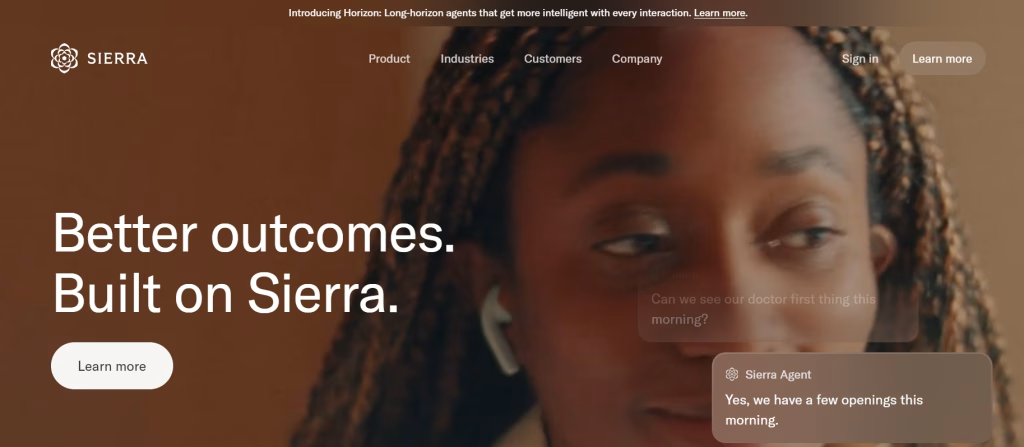
Pricing: custom enterprise contracts, typically with annual minimums. Sierra.
Sierra sits at the far agentic end of the market. It is designed for support problems where the AI must reason across multiple systems, follow regulated procedures and take consequential actions, not just retrieve an answer. Where it fits, the resolution ceiling is higher than anything self-serve can reach.
It is not a quick win. Deployments commonly run three to seven months, and the total cost of ownership includes meaningful internal engineering and process design. Choose Sierra when the tickets you want automated are genuinely complex, not when you want faster answers to shipping questions.
- Best for: regulated or operationally complex enterprises with engineering capacity
- Weakness: long implementation timeline and opaque pricing
10. Botpress – Best AI chatbot builder for developers
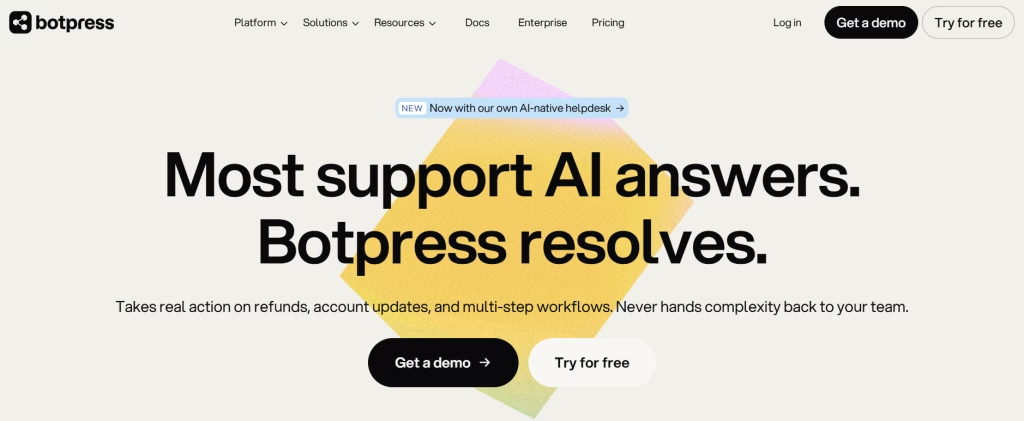
Pricing: a free tier plus usage-based paid plans; costs scale with AI spend and message volume rather than seats. Botpress pricing.
If your team can write code, Botpress gives you the control every managed platform withholds: choose your own model, define your own tools, own your own conversation logic, and deploy the same agent to a website, WhatsApp, Slack or Telegram. There is no per-resolution success tax, which changes the economics entirely at high automation rates.
The trade is that you are now the vendor. Prompt tuning, evaluation, guardrails, escalation logic and uptime are yours. Teams that underestimate that end up with a cheaper platform and a more expensive quarter.
- Best for: developer teams that want full control, especially those already using AI coding assistants to accelerate the build
- Weakness: you own quality, evaluation and maintenance
Myth vs reality: The myth is that a build-your-own chatbot is always cheaper. Reality: it is cheaper on licence and more expensive on people. Below roughly 1,000 monthly conversations a managed platform almost always wins on total cost.
5. AI Chatbot Pricing Comparison: What 10 Platforms Really Cost
All figures verified against vendor pricing pages and documentation in July 2026. Annual billing rates where published. Seat costs are separate unless noted.
| Platform | Billing unit | Published rate | Best fit |
| Intercom Fin | Per outcome | $0.99 (50/mo min) | Mid-market SaaS and ecommerce, 500 to 5,000 conversations |
| Zendesk AI Agents | Per automated resolution | $1.50 committed / $2.00 PAYG | Existing Zendesk Suite customers |
| Tidio Lyro | Per conversation tier | ~$39/mo for 50 to ~$289/mo for 500 | Small ecommerce stores |
| Freshworks Freddy | Per session | ~$0.10 effective; $49 per 100 extra | High-volume, low-complexity support |
| Gorgias AI Agent | Per interaction | $0.90 annual / $1.00 monthly | Shopify-native ecommerce |
| HubSpot Breeze | Per AI credit | ~$0.01 per credit + seats | HubSpot CRM-native teams |
| Chatbase | Per credit | ~$40 per 1,000 extra credits | Websites and docs without a helpdesk |
| Ada | Per conversation (custom) | ~$30,000 to $60,000+ per year | Global enterprise brands |
| Sierra | Custom contract | Annual minimum, quote only | Complex agentic workflows |
| Botpress | Usage-based | Free tier plus usage | Developer-built custom agents |
Warning: Two vendors quoting “$1 per resolution” can produce invoices 3x apart because one only bills confirmed successes and the other bills every session the bot touched. Always compare the unit definition, not the unit price.
6. Per-Resolution vs Per-Session vs Flat-Rate: Decoding the Billing Models
Four billing models dominate the AI chatbot platform market in 2026, and hybrid structures have grown from roughly 27 percent to 41 percent of vendors between 2025 and 2026. Here is how each behaves as your volume and quality change.
Outcome-based (Intercom Fin, Zendesk)
You pay only when the AI resolves a conversation end to end. This is the fairest model on paper and the most punishing as you improve. Best when your resolution rate is low and rising slowly, or when finance needs spend tied strictly to value delivered.
Conversation-based (Ada, Salesforce Agentforce)
You pay for every conversation the AI handles, resolved or not. At a 60 percent resolution rate, 40 percent of your AI budget funds conversations a human still had to close. Only accept this model with a resolution rate above roughly 75 percent or a negotiated floor.
Session-based (Freshworks Freddy)
You pay per session window. Multiple sessions on one issue means multiple charges, but unit costs are the lowest in the market at around $0.10. Wins decisively above roughly 2,000 monthly interactions.
Flat-rate and credit-based (Chatbase, Botpress, Crisp, most SMB tools)
You pay a predictable monthly fee tied to a tier. You know your cost before the month starts regardless of whether the AI resolves 30 or 90 percent. This is the model that most rewards a team actively improving its knowledge base, because improvement is free.
Pro tip: Model your bill at three resolution rates: today’s, your 12-month target, and a spike scenario at 2x volume. If any of the three is unaffordable, the pricing model is wrong for you regardless of the sticker price.
7. Multi-Language Support: What “50+ Languages” Actually Means
Almost every AI chatbot platform advertises multi-language support, and almost none of them mean the same thing by it. There are four distinct capability levels hiding behind that badge.
| Level | What it does | Where it breaks |
| Machine translation | Translates the customer message in, and the answer out | Product names, idioms and policy nuance get mangled |
| Native model response | The LLM answers directly in the target language | Answers are fluent but drift from your approved wording |
| Localised knowledge base | Separate reviewed source content per language | Requires real content operations to maintain |
| Localised brand voice | Tone, formality and terminology tuned per market | Only available on enterprise tiers |
The practical test is simple and takes ten minutes. Take your five most common tickets, translate them into your top three non-English markets, and run them through the vendor trial. Then have a native speaker on your team rate the answers for accuracy and tone, not fluency. Fluency is solved. Accuracy in the second language is not.
One quiet advantage of modern LLM-based agents is document handling across languages: the same models that power these chatbots can also translate a PDF while preserving layout, which matters when your support team is fielding contracts, invoices or manuals from international customers.
8. How to Calculate Your Real Cost per Resolved Ticket
Here is the calculation that should decide your purchase. It takes five minutes and is more useful than any feature comparison.
- Pull your total monthly support conversations from the last three months. Use the peak month, not the average.
- Estimate your automatable share. Count tickets that are answerable from existing documentation or a single system lookup. For most SaaS and ecommerce teams this is 45 to 70 percent.
- Apply a realistic resolution rate. Take the vendor claim and multiply by 0.75 for your first six months. A vendor claiming 67 percent should be modelled at roughly 50 percent.
- Multiply resolved conversations by the billing unit rate. If billing is per session or per conversation, multiply total AI-touched conversations instead, not just resolved ones.
- Add seats, add-ons and amortised onboarding. Spread implementation fees over 12 months.
- Divide total monthly cost by resolved conversations. That is your true cost per resolved ticket.
- Compare against your human baseline, calculated as fully loaded agent cost divided by tickets handled per agent per month.
Worked example: a 2,000-conversation-per-month support team
| Line item | Per-resolution | Per-session | Flat-rate |
| AI-touched conversations | 2,000 | 2,000 | 2,000 |
| Resolution rate modelled | 50% | 50% | 50% |
| Billable units | 1,000 resolutions | 2,000 sessions | n/a |
| Unit rate | $0.99 | $0.10 | tier fee |
| AI cost per month | $990 | $200 | $300 to $500 |
| Cost per resolved ticket | $0.99 | $0.20 | $0.30 to $0.50 |
Against a roughly $6 human cost per contact, every one of those columns is a win. The point of the exercise is not to prove AI is cheaper, it is to show that the gap between the cheapest and most expensive structure at identical performance is roughly 5x. That gap is the entire decision.
Pro tip: Track cost per resolved ticket monthly, not AI spend. AI spend rising while cost per resolved ticket falls is a healthy system. AI spend flat while cost per resolved ticket rises means your knowledge base is decaying.
9. How to Deploy an AI Chatbot on Your Website in 7 Steps
Most failed AI chatbot deployments fail before the tool is chosen. This is the sequence that works, whether you are deploying a free AI chatbot for a website or a six-figure enterprise agent.
- Audit your top 50 tickets. Export three months of conversations, cluster by intent, and rank by volume. This list is your entire scope for phase one.
- Fix your knowledge base first. An AI agent cannot answer what you have not written down. Every one of your top 20 intents needs a current, accurate, single-source article. This step takes longer than the deployment and determines your resolution rate.
- Choose a billing model that matches your trajectory. Use the calculation in section 8, modelled at your 12-month target resolution rate.
- Connect your systems. Order lookup, subscription status and account data turn a retrieval bot into an agent. Start with the single integration that unlocks the most ticket volume, usually order or account status.
- Write the escalation rules before you launch. Define exactly when the bot hands off: explicit request, detected frustration, billing disputes, anything touching cancellations or legal. Escalation should carry full transcript and sentiment.
- Launch to a limited surface. One page, one channel, or one hour a day. Read every transcript for the first two weeks. This is where resolution rate is actually built.
- Review weekly and expand deliberately. Track resolution rate, escalation rate, CSAT on AI conversations, and cost per resolved ticket. Add intents only when the previous batch is stable.
Warning: Do not launch a customer support AI chatbot with an incomplete knowledge base and expect to fix it later. Early bad answers train customers to bypass the bot, and recovering that behaviour takes months.
10. Which AI Chatbot Is Right for Your Team Size?
| Your situation | Recommended platform | Why |
| Solo founder, no helpdesk | Chatbase or Botpress free tier | Live in an afternoon, no seat costs, embeds anywhere |
| Small Shopify store, under 500 conversations | Tidio Lyro or Gorgias | Ecommerce context built in, low entry price |
| SaaS startup, 500 to 2,000 conversations | Intercom Fin (standalone) | Best resolution quality without migrating your helpdesk |
| Growing team already on Zendesk | Zendesk AI Agents Advanced | Avoids migration risk; commit volume to get the lower rate |
| High volume, simple tickets, 2,000+ | Freshworks Freddy | Per-session economics beat per-resolution decisively at scale |
| HubSpot-native revenue team | HubSpot Breeze | Unified CRM record outweighs modest answer quality gap |
| Global brand, many languages | Ada | Localisation depth and enterprise governance |
| Regulated or complex workflows | Sierra | Highest agentic ceiling, accepts long implementation |
| Engineering-led team | Botpress | Full control, no success tax on high automation rates |
11. Common Mistakes That Kill AI Chatbot Resolution Rates
Treating the knowledge base as optional
The single strongest predictor of resolution rate is not the model, it is the quality and freshness of your source content. Teams that clean up documentation before launch routinely land 20 to 30 points higher than teams that do not, on the same platform.
Hiding the escalation path
Burying the option to reach a human increases containment on a dashboard and destroys trust in reality. Make handoff obvious, and count a fast, well-contextualised escalation as a success rather than a failure.
Optimising for containment instead of resolution
Containment measures conversations that did not reach a human. Resolution measures problems that were actually solved. A customer who gave up and left counts as containment. Pick your north star metric carefully, because vendors report both.
Ignoring accessibility and compliance
Chat widgets are frequently the least accessible element on a website. Keyboard navigation, focus management and screen reader labels should be tested against the WCAG guidelines before launch. If you serve EU customers, your data handling also needs to satisfy GDPR, and transparency obligations under the EU AI Act mean customers should be told they are talking to an AI.
Never reading the transcripts
Dashboards tell you what happened. Transcripts tell you why. The teams with the highest resolution rates share one habit: someone reads a sample of failed conversations every single week and files the gaps as content tasks.
13. Frequently Asked Questions
What is the best AI chatbot for customer support in 2026?
For most mid-market support teams, Intercom Fin is the best overall AI chatbot for customer support in 2026. It resolves across chat, email and voice, deploys standalone on top of Zendesk, Salesforce or HubSpot without a migration, and bills $0.99 per outcome with the charge reversed if a customer reopens the conversation. Teams above roughly 2,000 monthly interactions often get better economics from Freshworks Freddy at around $0.10 per session, and Shopify-heavy stores are usually better served by Gorgias.
Is there a genuinely free AI chatbot for a website?
Yes, with limits. Botpress offers a free tier with usage-based scaling, and Chatbase, Tidio and Crisp all provide free or low-cost entry plans suitable for low-traffic sites. The realistic ceiling on free plans is a few dozen to a few hundred AI conversations per month, and branding removal is usually paid. A free AI chatbot online is a good way to validate whether automation helps your specific ticket mix before committing to a paid platform.
How much do AI chatbots for customer service cost?
Published 2026 rates range from about $0.10 per session with Freshworks Freddy to $0.99 per outcome with Intercom Fin, $0.90 to $1.00 per interaction with Gorgias, and $1.50 to $2.00 per automated resolution with Zendesk. Enterprise platforms like Ada typically run $30,000 to $60,000 or more per year on custom contracts. Add seat costs, add-ons at $25 to $50 per agent per month, and onboarding fees where they apply.
Can an AI chatbot really replace human support agents?
It replaces repetitive tickets, not agents. Most teams automate 40 to 70 percent of conversations, typically order status, password resets, policy questions and basic troubleshooting. The remaining volume is more complex and more emotionally loaded, so human agents shift toward higher-value work rather than disappearing. Teams that plan for that shift see better CSAT than teams that treat AI purely as headcount reduction.
What resolution rate should I expect from an AI chatbot?
Vendors publish figures from 67 to 94 percent, but those are usually best-case customers with mature documentation. A realistic first-six-months expectation is 40 to 60 percent for most teams. Multiply any vendor claim by roughly 0.75 when budgeting. The strongest lever on resolution rate is not the platform, it is the completeness and accuracy of the knowledge base the agent reads from.
Do AI chatbots support multiple languages properly?
Most support 50 or more languages, but capability varies enormously. Machine translation handles the words and mangles product names and policy nuance. Native model responses are fluent but drift from your approved wording. Only localised knowledge bases and tuned brand voice, generally enterprise-tier features, produce genuinely reliable multi-language support. Test with your five most common tickets and have a native speaker rate accuracy, not fluency.
Which AI chatbot pricing model is cheapest?
It depends entirely on your resolution rate and volume. Below roughly 2,000 monthly interactions, per-resolution pricing usually wins because you only pay for successes. Above that, per-session pricing at around $0.10 per session becomes materially cheaper. Flat-rate and credit-based plans win for teams actively improving automation, because improvement does not increase the bill. Conversation-based pricing is the weakest structure unless your resolution rate exceeds about 75 percent.
How long does it take to deploy an AI chatbot for customer support?
Self-serve platforms like Chatbase, Tidio and standalone Intercom Fin can be live in under an hour technically. Getting to a resolution rate worth having takes two to six weeks of knowledge base work and transcript review. Enterprise helpdesk deployments typically run 60 to 120 days including content cleanup, workflow rebuild and integrations, and complex agentic platforms like Sierra commonly take three to seven months.